
A response in the current scene
Read an immediate effect drawn from the selected action category. Fit witnesses, evidence and resistance to the event your group actually played.
Let earlier choices matter
Follow a party action beyond its first response. Review who notices, who gains or loses, and which effects deserve a place in the next sessions.

Action and aftermath
An event can affect the scene, people nearby and the wider community at different times. Decide which suggestions fit what your group established.
Read an immediate effect drawn from the selected action category. Fit witnesses, evidence and resistance to the event your group actually played.
Use short-term prompts as reminders for later sessions: an inquiry, tighter security, a reward, a new contact or a change in how people respond.
Review lasting possibilities such as alliances, policy, trust or reputation. Keep later events open to new choices instead of treating a scheduled date as inevitable.
Read who benefits and who suffers alongside the consequences. Use the contrast to prepare conversations and decisions rather than a single universal reaction.

Start from what happened
Classify the action, set its context and read the immediate and later effects together.
Keep the original event in your notes, then decide which consequences deserve to return in play. The artwork illustrates preparation, not an application screen.
From an action to a callback
The result updates as you change the controls. Selected categories drive the authored material; the description identifies your event.
Enter a description for the record and choose its action type. Choose conduct from heroic, constructive, neutral, harmful or villainous according to your campaign.
Choose location, current session, publicity, circumstances and target scope. Compare party and target power on the offered scales.
Review reach, witnesses, intensity, the three horizons, beneficiaries and proposed standing shifts. Adapt contradictions or generic groups before using the material.
Save a local record, then check Calendar for its scheduled short- and long-term events. Copy or export your preparation and keep separate campaign notes of what actually occurs.
What the tool provides
Use the controls to prepare one action’s possible aftermath. Your table decides which effects become campaign facts.
Classify violence, theft, negotiation, public magic, investigation, social manipulation, trade, destruction, rescue or betrayal. The selected category supplies authored effects.
Set publicity and adjust it for night, crowds, guards, noble witnesses, isolation, concealment, festivals or an indoor location. Review the resulting reach and witness groups.
Compare party and target on two 1-to-10 scales. Read an intensity and severity label as planning guidance, then decide how much impact fits your campaign.
Read one immediate effect, short-term events with session numbers and longer shifts scheduled five to ten sessions ahead. These are prompts for the DM to accept or adapt.
Keep default short-term timing at one to three sessions, or choose pacing by action. An optional extra effect adds one short-term prompt when calculated intensity is high enough.
Review affected groups, proposed reputation and faction deltas, and NPC guidance. The result suggests changes; it does not apply them to another product or a campaign ledger.
Save separate consequences on this device. Their stored short- and long-term events gather by session in Calendar, with a From session filter.
Copy the DM-oriented result, export a resolution, print the current view or export saved records. Import a workspace as additional local records while keeping existing ones.
Choose the kind of action
Ten action categories supply distinct immediate, short-term and long-term pools. The text remains authored guidance rather than a bespoke analysis of your prose.
Consider evidence, witnesses, security and displaced people. Use the proposed costs and reactions to develop the aftermath rather than adding punishment automatically.
Read possible agreements, relationships, rivals and changes in standing. Decide which opportunities and tensions belong to the people involved.
Consider attention from authorities, new leads, concealed evidence or wider attitudes. The result uses generic groups; it does not discover factions from your campaign.
Prepare gratitude, obligations, broken trust or retaliation. Conduct and scope inform standing guidance, but do not rewrite every phrase in an action category. Review the result as a whole.

The news reaches someone else
Use the witness and affected-group prompts to prepare a later encounter, message or changed circumstance.
NPC and faction notes suggest changes for your review. They do not update another system; the illustration shows how news might travel.
Shape the reach and timing
Controls alter the planning model. Reroll changes the authored draw while retaining the form.
Circumstances raise or lower effective publicity. Location and selected circumstances contribute witness groups; low publicity does not automatically remove every witness. Review who could actually know.
The party-to-target difference combines with publicity reach to produce an intensity and severity label. Use it to review the proposed scale, not as a certified encounter difficulty or proof of a lasting outcome.
Default short-term timing is one to three sessions. Pace by action uses category-specific windows. Long-term shifts remain five to ten sessions ahead; city-level scope produces two rather than one.
The extra-effect option starts off and adds one short-term effect when calculated intensity is high enough. Reroll keeps your inputs and refreshes the draw; changing context can also change which later effects appear.
Save, reopen and share
Local records feed the calendar. Reopening and exporting each have a different purpose.
Each save creates a separate record on this Windows device. Open and delete records in Library. There is no account synchronisation, autosave, search, tagging, campaign grouping or version history.
Calendar gathers saved short- and long-term events by session. Use From session to filter the list. It does not advance sessions, send notifications, mark events resolved or maintain a live chain of campaign causes.
Open restores some inputs while retaining current settings for other controls, then recalculates the result. It does not restore every setup choice. Review the current form and output before saving or exporting again.
Copy includes DM notes; print uses the current view. JSON exports a request and resolution. Workspace export includes readable saved records; check its count. Import adds fresh records and keeps existing ones, so repeated imports add copies. Keep unmodified exports separately; import is not an all-or-nothing restore.
Choose access for your toolkit
Consequence / Ripple Engine is a paid standalone tool. Create a free account first, then review your selection and subscription.
Select Consequence / Ripple Engine individually. Creating a free account does not by itself include paid generator access.
Choose a five-generator pack for other eligible standalone tools alongside this one. It provides selection capacity, not automatic access to every VISINVOKE product.
Review larger selected-generator packs in your account. Check the actual generators, subscription and reselection terms before choosing your toolkit.
Combat PRO, Battlemaps and image systems have their own access models. Standalone generator subscriptions do not include image or animation credits.

Prepare a later response while the originating action is still clear in your notes.
Read the immediate effect alongside nearer pressure and longer shifts. Decide which callbacks are worth carrying forward.
Start Here and How Do I help cover context, timing, standings, local saves, the calendar and workspace exports.
The tool suggests effects and numeric changes. You decide what happens and apply any changes to your own campaign records.
Build your tabletop toolkit
Each card opens that product’s own website. Review purpose and access separately; related products do not promise included access or automatic synchronisation.

Discover and open your supported Windows products through one connected VISINVOKE account.

Explore environment packs for tactical locations and the places your encounters unfold.
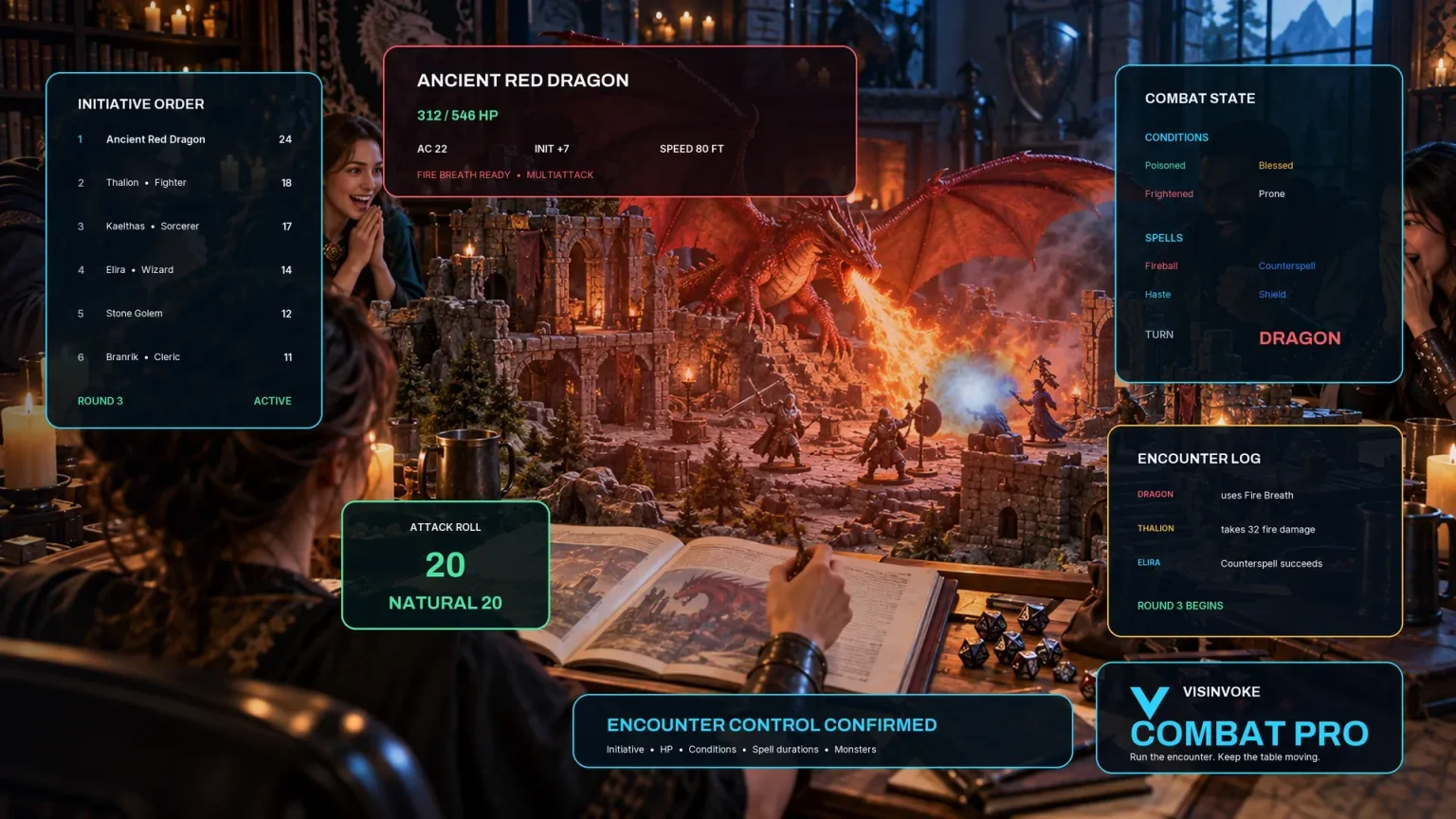
Review prepared opposition, tune creature statistics and run tabletop encounters with its own access.

Create focused character, monster, item and location images to complement your tabletop preparation.

Create guided commercial visuals for websites, brochures and wider creative projects.

Explore a separate futuristic RPG experience with its own world, characters and progression.
Product artwork illustrates campaign consequences, not application screens or actual generated image output.
Quick answers
Understand the authored model, reopening behavior and workspace copies before opening the tool.
The description labels your record. The selected action type and context controls drive authored effects and calculations. It does not analyse prose, predict player choices or read campaign state. Default locations and groups are generic and often city-oriented; adapt the result to your setting.
Default short-term effects land one to three sessions after the current session. Pace by action uses shorter windows for theft, investigation, trade and rescue, and two to four sessions for magic and destruction. Long-term shifts land five to ten sessions ahead. The calendar lists saved event dates; it does not advance sessions, notify you or mark effects resolved.
Publicity and circumstances affect reach, witnesses and the number of short-term effects. The party-to-target power difference combines with reach to produce intensity and severity guidance. Conduct and target scope shape proposed reputation and faction deltas. These are a planning model, not rules-certified difficulty or automatic changes to campaign records.
Manual saves create separate records on this Windows device. There is no account synchronisation, autosave or version history. Calendar reads stored event snapshots. Open restores some inputs while retaining current settings for other controls, then recalculates the result. Review the form and output before saving or exporting it again.
Export JSON includes the current request and resolution. Export workspace includes readable saved records; check its reported count. Import workspace adds records with new identities and preserves existing records. Importing the same file again creates more copies. Keep your exports separately and use unmodified workspace files; import does not promise complete validation or an all-or-nothing restore.
No. Reputation deltas, faction shifts, NPC memory, disposition and stress notes are guidance for you to review and apply manually. Copy and print may include private DM material. There is no player-only projection, direct Combat PRO transfer or automatic world update.
Continue in VISINVOKE
Create a free VISINVOKE account and choose the required generator access.
Get Desktop Command Centre from your account installer page. Sign in on Windows, then open Consequence / Ripple Engine.